
Getting Started
Welcome to WysLeap. This guide covers everything from adding the tracking script to configuring session replay, SaaS metrics, and AI observability.
Quick Setup
Three steps from sign-up to the API key you'll paste into your site.
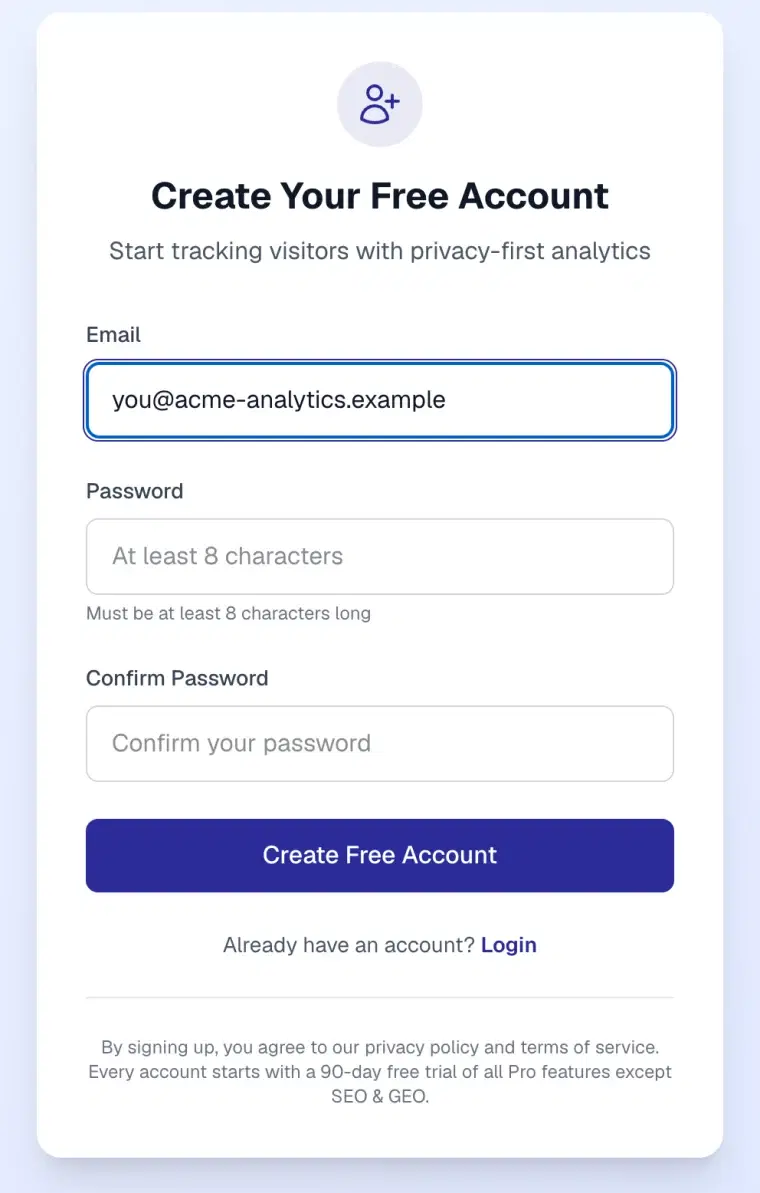
Create your account
Sign up with your email. Every account starts with a 90-day free trial, no card needed.
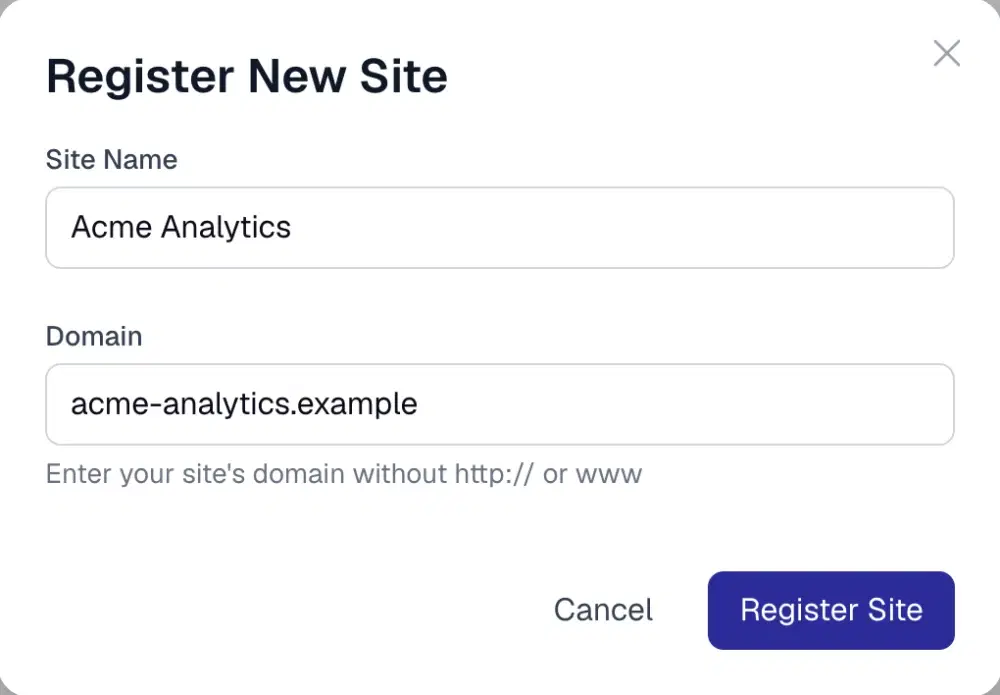
Add your site
Click Add Site on your Sites page and enter a name and your domain, without http:// or www.
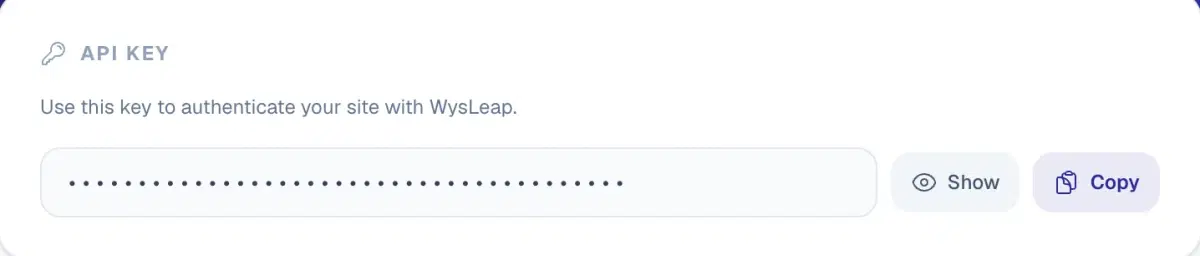
Copy your API key
Open the site's Settings and copy the API key. You'll use it in the tracking script in the next step.
What You'll Learn
Follow the guides in order or jump to what you need.
Installation (~2 min)
Add the tracking script to your site. Copy and paste it. No build process needed.
Custom Events (~5 min)
Track button clicks, form submissions, purchases, and any meaningful user action with one line of code.
Content & Media (~3 min)
Get by-author and by-section analytics from meta tags or path mapping. No custom events required.
SaaS / PLG Tracking (~10 min)
Track signups, activation, trials, PQL scoring, churn risk, and product-led growth metrics.
AI Observability (~8 min)
For AI products: track task quality, completion rates, regeneration patterns, and user satisfaction.
Session Replay (~5 min)
Record and replay full user sessions to understand behavior, debug issues, and improve UX.
AI Crawlers
Report every AI crawler request from your server, CDN or middleware, including the ones that don't run JavaScript.
Advanced Config (~5 min)
Privacy settings, sampling rates, visitor identity, and advanced configuration options.
Quick Start Checklist
Four steps to go from zero to live analytics.
- Create account & add site. Sign up at wysleap.com and add your site to get your
siteIdand API key. - Install the tracking script. Add one script tag to your site's
<head>. Pageviews, clicks, and scroll depth are tracked automatically. - Track custom events (optional). Add event tracking for key user actions (signups, purchases, feature usage) with one line of code.
- View live analytics. Go to your Analytics Dashboard to see real-time visitor data, intent scores, and session replays.
Ready to begin?
Start with installation. Add one script tag and you'll have pageviews, clicks, and scroll depth working in under 2 minutes.