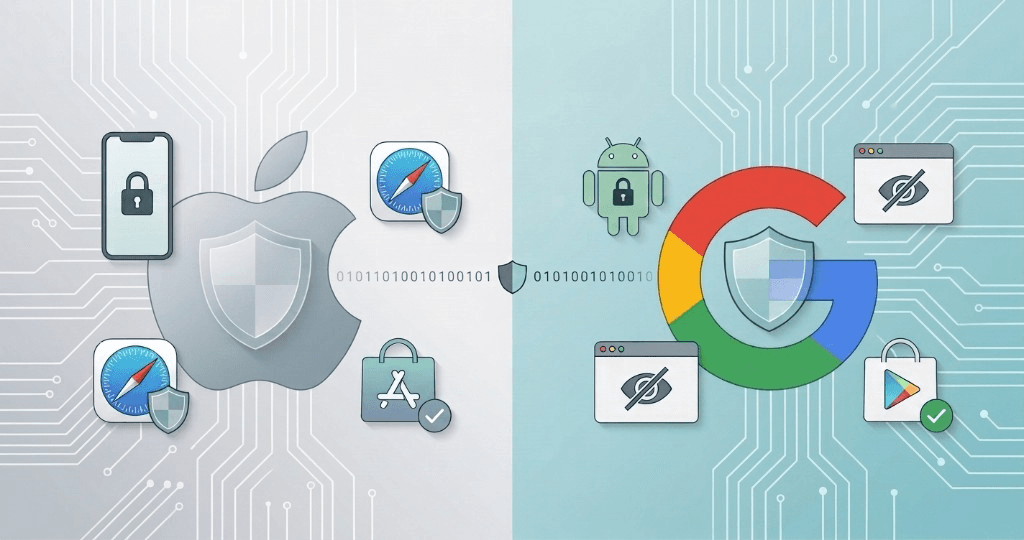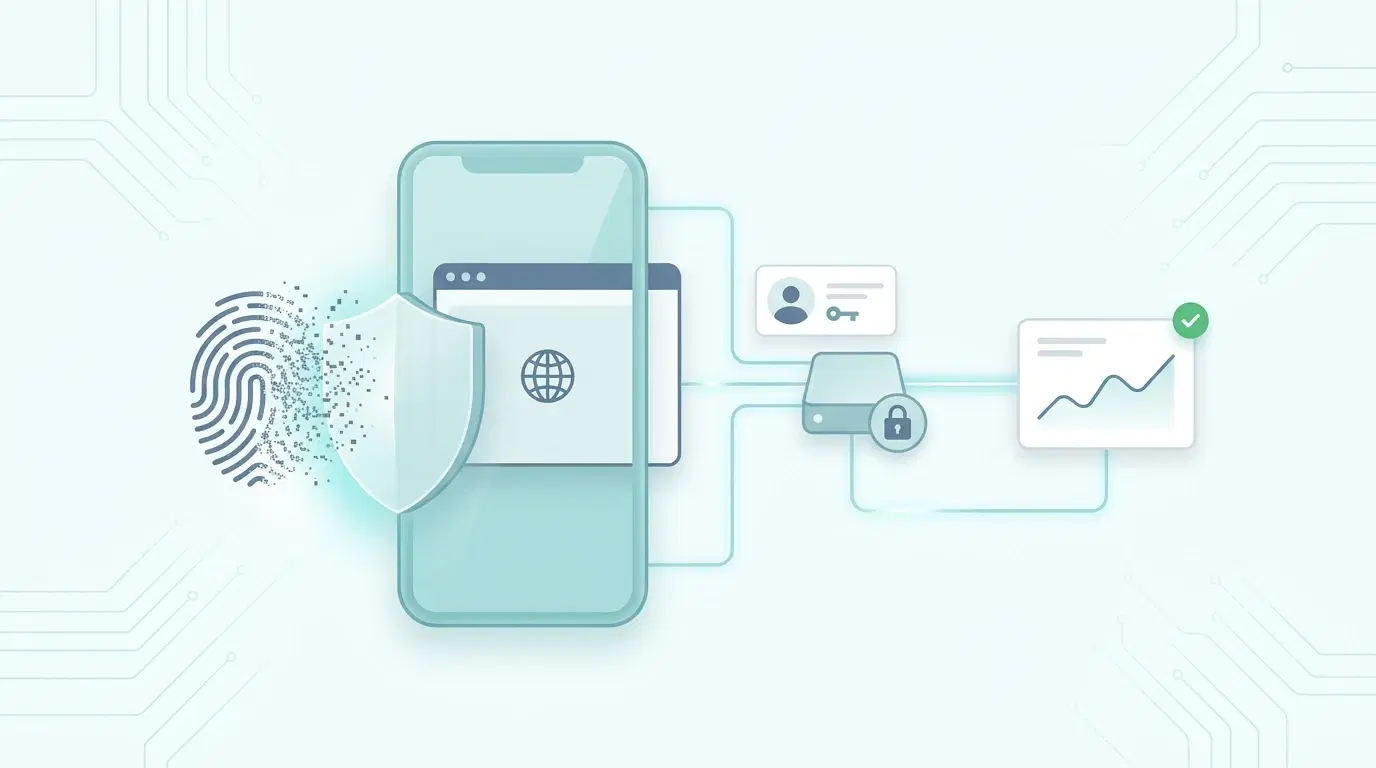
Apple shipped iOS 27 and Safari 27 in September 2026, and the message to the measurement industry is the same as every year, only louder: scripts that try to recognize people across visits will be treated as trackers. This time the pressure lands on fingerprinting.
If a meaningful share of your visitors use an iPhone, some of your returning-visitor counts, funnels and campaign attribution are already wrong. This post separates what Apple has confirmed from what is still being reverse-engineered, explains what breaks, and lays out where server-side identification genuinely helps without fighting the browser.
“Safari isn't asking you to track people more cleverly. It's asking you to know them honestly, or not at all.”
What Actually Changed (and What Is Confirmed)
Most coverage of Safari 27 comes from analytics vendors reading WebKit's open-source code and beta builds. That is useful, but it is not documentation. Apple can also update its tracker lists without shipping a new Safari version.
| Protection | Status | What it does |
|---|---|---|
| Advanced Fingerprinting Protection in all browsing | Confirmed by Apple (Safari 26, 2025) | Known fingerprinting scripts get noisy canvas, audio and screen values, and lose access to some browser APIs |
| More scripts on Apple's fingerprinting list | Reported from beta code (Safari 27) | Vendors report tags such as LinkedIn Insight, Tealium and Segment now classified |
| Restrictions on classified scripts | Reported from beta code (Safari 27) | Limited reads of URL parameters, click IDs and document.referrer, and no long-lived cookies or localStorage |
| Checks on destination IP, not just domain | Reported from beta code (Safari 27) | Makes renaming a tracker's domain less effective |
| Link Tracking Protection | Confirmed by Apple (2023); new parameters reported | Strips known click IDs in Mail, Messages and Private Browsing, and in all browsing if the user opts in |
| 7-day cap on script-written storage | Confirmed (Intelligent Tracking Prevention, 2020) | localStorage and script-set cookies expire after 7 days without a user interaction on the site |
Test, don't assume
Because the list of classified scripts isn't published, the only reliable way to know whether your tags are affected is to test them on a real iOS 27 device. Turn on Settings › Safari › Advanced › Advanced Tracking and Fingerprinting Protection › All Browsing and compare what your tags capture with what they capture in Chrome.
What Breaks in Client-Side Measurement
Almost every analytics feature that follows a person over time assumes one thing: an identifier stored in the browser survives between visits. On Safari, that assumption has been weakening since 2017. iOS 27 removes most of what was left.
1. Returning visitors quietly become new visitors
An ID written by JavaScript lasts 7 days on Safari unless the visitor interacts with your site again. Someone who reads your pricing page today and comes back in two weeks is counted as two people.
The result is inflated unique visitors, deflated retention, and funnels that look leakier than they are, but only for Safari traffic, so the error hides inside your averages.
2. Campaign attribution loses its inputs
A script Safari classifies as a fingerprinter may not be able to read the landing URL's parameters or the referrer. Click IDs like gclid and fbclid are also stripped from links opened from Mail, Messages and Private Browsing.
UTM parameters generally survive. Click IDs, which ad platforms need to match a conversion to a click, increasingly don't.
3. Fingerprints stop identifying anyone on iPhone
iPhones of the same model, iOS version and region already looked nearly identical to a fingerprinting script. Add deliberate noise to canvas, audio and screen readings and a fingerprint either changes on every visit or collapses whole crowds of iPhone users onto one value.
iCloud Private Relay adds a further problem: many iOS visitors share Apple's egress IP addresses, so IP-based matching breaks too.
Where Server-Side Identification Genuinely Helps
“Server-side” is often sold as a way around browser protections. That framing is wrong and short-lived. Server-side identification works when it replaces guessing with identity that is deterministic, first-party and consented.
First-party collection on your own domain
Send analytics through a path on your own site, such as /collect, proxied by your own server or CDN. A cookie set by your server in that response is a genuine first-party cookie and can last up to the 13 months most regulators accept.
The detail that matters: it must be served by the infrastructure that serves your site. Safari caps cookies at 7 days when they come from a CNAME pointing at a third party, or from an IP range unlike your site's.
Authenticated identity
When someone logs in, signs up or submits a form, you know who they are, and they know you know. Linking their earlier anonymous visits to that login is the most durable identity there is: it works across devices and browsers and survives any storage cap.
Hash identifiers before they leave the browser, salt them per site, and never use them to link people across unrelated sites.
Server-to-server conversions
Purchases, signups and subscription changes already happen on your backend. Sending them to your analytics or ad platform from there means a blocked script, a closed tab or a stripped parameter can't lose them. Each event should carry its own ID so the browser and server copies are counted once.
Click IDs captured once, at landing
When a click ID does arrive, store it on the server against the visitor at the first page view. Later conversions, including server-side ones, can then be attributed to that click without the browser having to keep it.
Where It Doesn't Help (and Shouldn't Try)
- Recovering stripped parameters. If Safari removed a click ID, it was removed on the user's behalf. Rebuilding it from logs or headers defeats the protection, and it is exactly the behavior that gets scripts classified.
- CNAME cloaking. Pointing a subdomain at a vendor's servers looks first-party but isn't, and Safari has capped those cookies since 2020.
- Noise-resistant fingerprinting. Averaging away Apple's noise is an arms race against the browser vendor, and the browser vendor wins.
- Anonymous visitors who never identify. For them, honest measurement means accepting session-level and aggregate numbers on Safari, and labeling them as such.
Consent Doesn't Change Because the Code Moved
A cookie set by your server is still a cookie. Under the GDPR and the ePrivacy Directive, what matters is the purpose of the storage and the data, not whether JavaScript or a server wrote it. The cleanest model separates three purposes and records which ones applied to every event.
| Purpose | Examples | Typical consent need |
|---|---|---|
| Measurement | Visitor counts, retention, funnels on your own site | Some EU regulators (such as France's CNIL) allow narrowly scoped audience measurement without consent; otherwise consent in the EU and UK |
| Personalization | Tailoring your own site to a visitor's behavior | Consent in the EU and UK |
| Activation | Sending conversions or audiences to ad platforms | Consent in the EU and UK; in US states, honor opt-outs of sharing, including Global Privacy Control |
Record consent with the data, not just in the banner
Stamp each event with the purposes it was collected under. When you later export conversions or build an audience, filter on that stamp. It is the difference between saying you honor consent and being able to show it. This isn't legal advice; check your setup with counsel.
What to Do This Quarter
- Measure your exposure. Find Safari's share of your traffic, and compare how long visitor IDs survive on Safari and Chrome. A drop-off at 7 days is the storage cap at work.
- Test your tags on iOS 27. With protection set to All Browsing, check whether each tag still captures UTMs, click IDs and the referrer.
- Move conversions to your backend. Send purchases and signups server-to-server, with an event ID for deduplication.
- Identify people at login. Link anonymous visits to a hashed, per-site user ID when someone signs in.
- Drop fingerprinting on Apple devices. It no longer identifies anyone reliably there, and it risks getting your whole tag classified.
- Label Safari numbers honestly. Where identity can't be known, report it as a caveat rather than modeling it away.
Sources
- WebKit: Private Browsing 2.0 (Apple's description of Advanced Fingerprinting Protection and Link Tracking Protection)
- TAGGRS: Safari 27 tracking protection (beta code analysis)
- Stape: Safari 27 update (beta code analysis)
- Littledata: Safari 27 tightens the screws on client-side tracking
Keep reading
For the bigger picture, read Apple and Google: The 2025 Tracking Protection Landscape and The Consent Banner Data Gap. Ready to see your own traffic? Start free.